
What is Mangal Font? (Mangal Font Kya Hai) – Complete Guide in English
If you are learning Hindi typing or preparing for a government exam (SSC, CPCT, UPSSSC), you must have heard the name "Mangal Font". In today's digital age, this font has become the most important and standard font for Hindi typing. But still, many people have questions like what is Mangal Font, how it works, and how to use it. In this detailed article, we will understand everything related to it in depth.
What is Mangal Font?
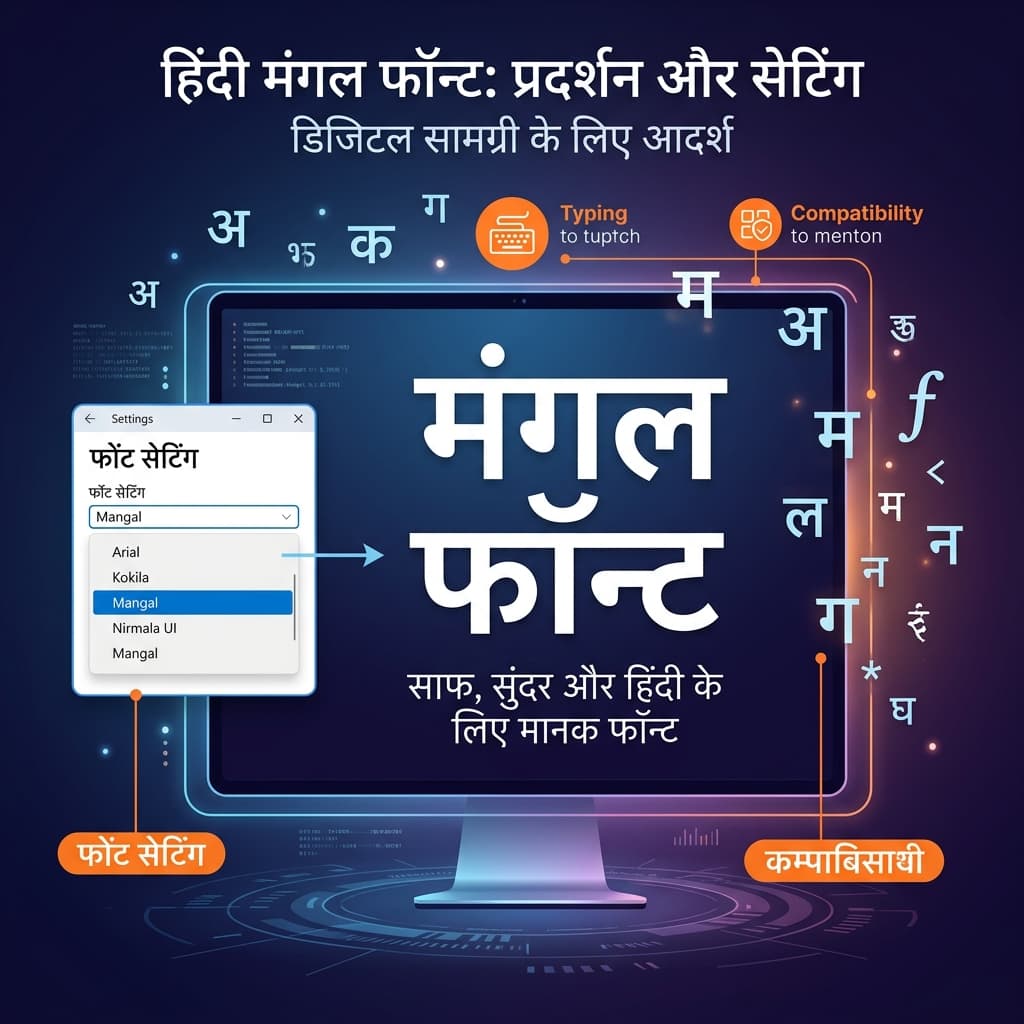
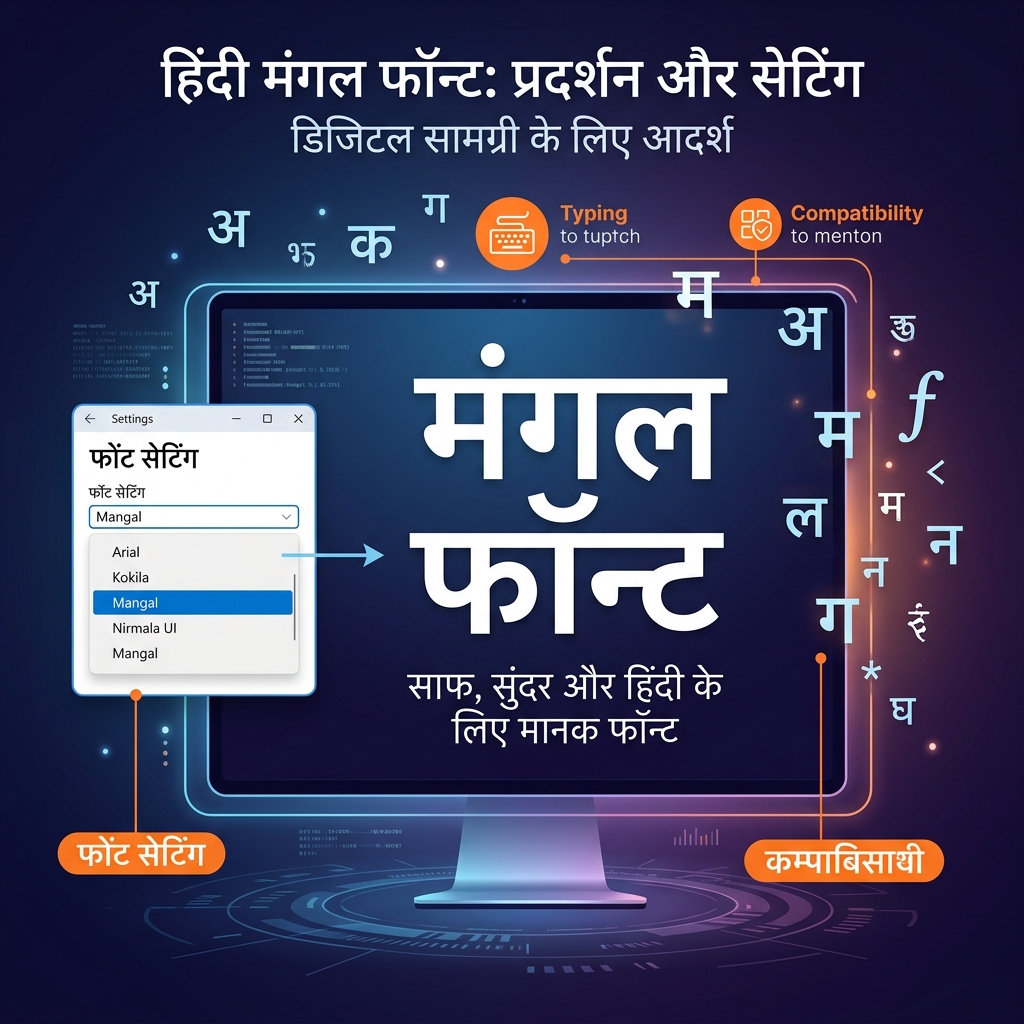
Mangal is a Unicode-based Hindi font developed by Microsoft. It comes pre-installed in the Windows operating system (Windows XP, 7, 8, 10, 11). This means that you do not need to download or install any separate software to use it.
Mangal font is designed to display the Devanagari Script. Since it follows the Unicode Standard, the text typed in it is displayed correctly on every computer, mobile, and web browser. Whether you send an email, type a message on WhatsApp, or search on Google – the text written in it will look exactly the same everywhere.
Understanding Unicode in Simple Terms
To understand this, it is necessary to understand Unicode first. Unicode is an International Standard that provides a Unique Code Point for every character of every language in the world. For example, the Unicode for the Hindi letter "अ" is U+0905. This means that when you type "अ" in it, the computer saves it as U+0905. Now, no matter on which computer this file is opened, it will always appear as "अ" and never incorrect or garbled.
In older times, fonts like KrutiDev and DevLys were based on ASCII technology. In these fonts, Hindi letters were "drawn" in place of English letters. That's why when that font was not installed on another computer, the Hindi text would change into Garbage Characters of English.
Mangal Font vs KrutiDev – Detailed Comparison
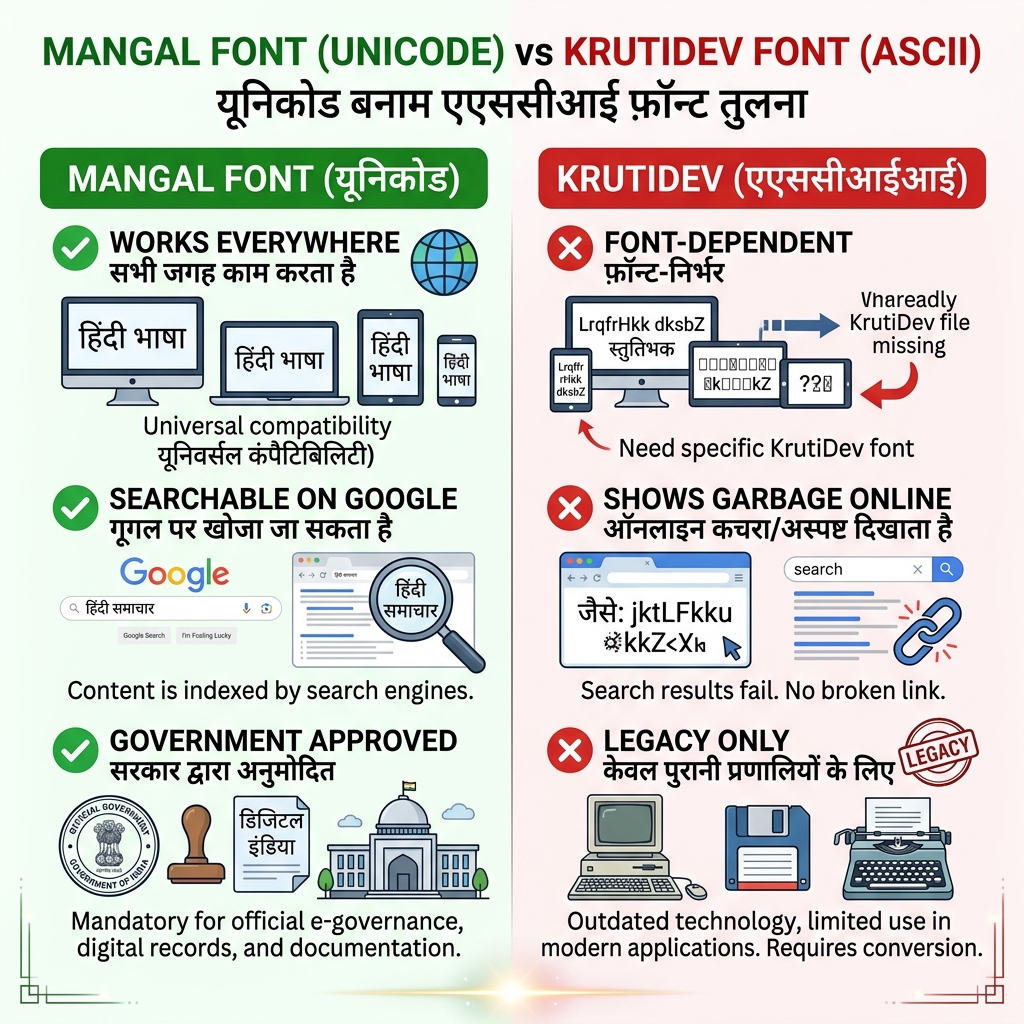
It is very important to understand the fundamental differences between the two fonts:
1. Technical Foundation
- Unicode-based: It is based on an international standard (Unicode Standard).
- KrutiDev: Based on ASCII – this is an older and limited technology.
2. Online Behavior
- Web Friendly: It looks perfectly correct on Google, Facebook, WhatsApp, and emails, and is easily searchable on the internet.
- KrutiDev: When sent over the internet, it often appears as English Garbage Text like "dfMy bafM;k".
3. Keyboard Layout
- Keyboard Layout: The InScript or Remington GAIL keyboard layouts are used for it.
- KrutiDev: Only the Remington layout works with it.
4. Government Recognition
- Government Recognition: It is officially accepted by the Government of India and all major recruiting bodies like SSC, IBPS, and Railways.
- KrutiDev: Still given in some older state-level exams, but its use is rapidly decreasing.
5. Future Relevance
- Future Standard: It is the standard of the modern era and all digital devices and websites support it.
- KrutiDev: It is a "Legacy" font that is gradually becoming obsolete.
Why is Mangal Font Important in Government Exams?
Today, in almost all major government recruitment exams in India, the Hindi typing test is conducted in Mangal Font (Unicode) only:
- SSC CGL (Staff Selection Commission - CGL): Data Entry Speed Test (DEST) is conducted in it.
- SSC CHSL (Staff Selection Commission - CHSL): A speed of 35 WPM is expected in it.
- CPCT (Madhya Pradesh Computer Proficiency Certification Test): It is completely based on this.
- UPSSSC (Uttar Pradesh Subordinate Services Selection Commission): It is mandatory for Junior Assistant and other posts.
- Railway Recruitment Board (RRB): It is used for Clerk and Typist posts.
How to Start Typing in Mangal Font on Your Computer?
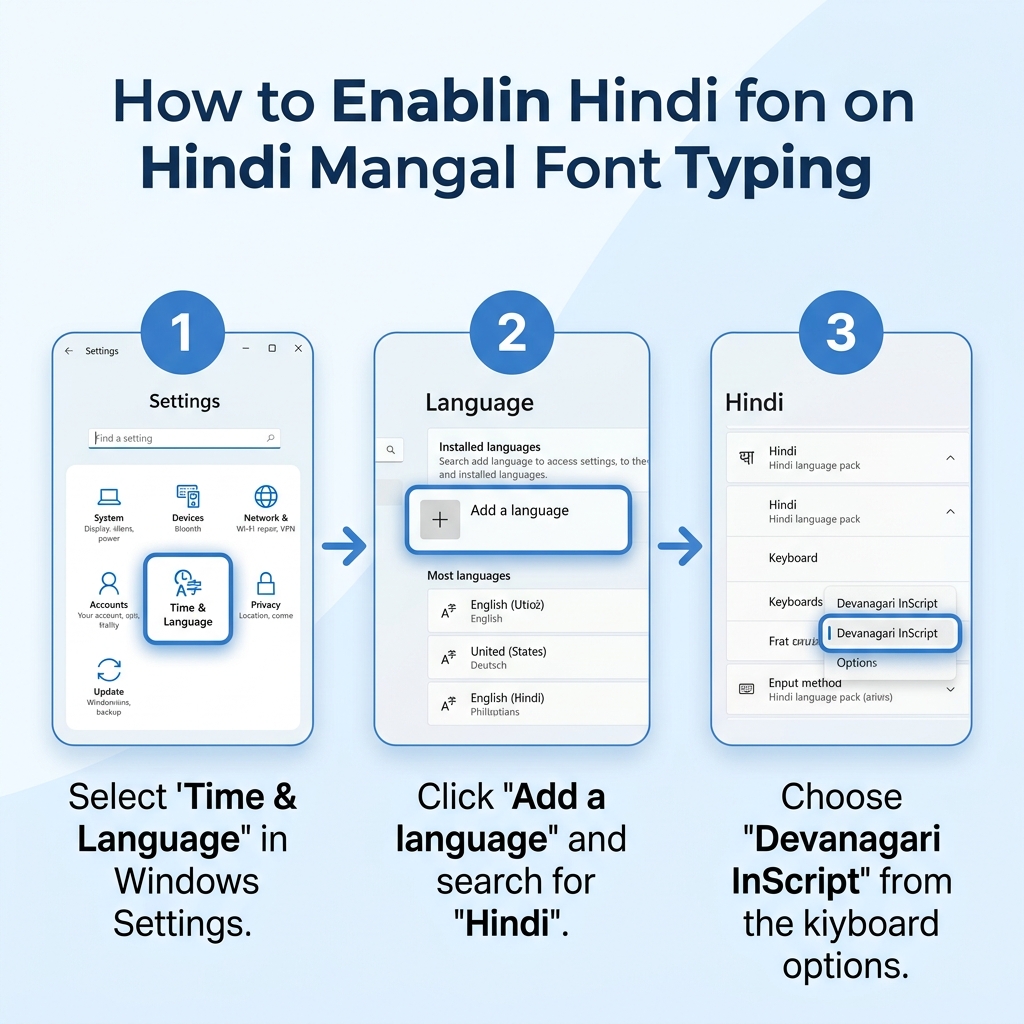
The good thing is that it is already present in your Windows computer. You just have to activate the Hindi keyboard layout:
Setup on Windows 10 / 11 (Step-by-Step)
- Open Settings – Search 'Settings' in the Start menu.
- Click on Time & Language.
- Select Language on the left side.
- Click on Add a language.
- Type "Hindi" in the search bar, select Hindi, and install it.
- After installation, click on Hindi → Options → Add a keyboard → Select Hindi Traditional (InScript) or Devanagari InScript.
Shortcut to Change Language
- Press Windows + Space to instantly switch between English and Hindi.
- The Language Indicator will appear in the taskbar showing "ENG" or "HIN".
Which Keyboard Layout to Learn with it?
Mainly two keyboard layouts work with it:
1. InScript Layout
- It is the standard layout developed by the Government of India (C-DAC).
- In this, all Vowels are on the left side and Consonants are on the right side.
- It is based on the Phonetic Scientific principle.
- Biggest Advantage: Once you learn InScript, you can type in Marathi, Bengali, Gujarati, and all Indian languages apart from Hindi.
- Recommended: For SSC, CPCT, and most government exams.
2. Remington GAIL Layout
- This is the Unicode version of the old typewriter's Remington layout.
- Those who have been typing in Remington (on KrutiDev) earlier can easily switch to it.
How to Increase Typing Speed?
Learning to type in it is not difficult, but Regular Practice and Correct Technique are essential to increase speed:
- Learn Touch Typing: Form the habit of typing without looking at the keyboard. Mistakes will happen initially, but gradually your Muscle Memory will build up.
- Focus on the Home Row: Your fingers should always rest on A, S, D, F and J, K, L, ;.
- Accuracy First, Speed Later: First, learn to type without errors. When accuracy goes above 95%, then increase speed.
- Practice for 30 Minutes Daily: Practicing daily in small sessions is much better than practicing for a long time once a week.
- Practice on TypeHindi.in: Our platform is specially built for InScript typing. Here you can track your WPM (Words Per Minute), Accuracy, and Errors in real-time.
FAQs About Mangal Font
Is this font free?
Yes, it is completely Free. It comes pre-installed with the Windows operating system.Do I need to download it separately?
No. If you have any version of Windows XP or later in your computer, it is already present. You just have to activate the Hindi keyboard layout.Can I practice online in this?
Absolutely! On TypeHindi.in, you can do online typing practice in the InScript layout. We have special paragraphs, mock tests, and typing games available.What is the difference between font and InScript?
Mangal is a font (which displays characters), whereas InScript is a keyboard layout (which tells which character is on which key). Both work together – you type with the InScript keyboard and the characters appear on the screen in it.Conclusion: Why Learn it?
It is a necessity of today's digital India. Whether you are preparing for a government job, working in Hindi in an office, or interested in blogging and content creation – knowing how to type in it is mandatory. It is based on Unicode, works on all platforms, and is recognized by the Government of India.
Start your typing journey today! Come to TypeHindi.in and practice for free. Our platform has visual guides for the InScript keyboard, real-time stats tracking, and typing games that make your learning process easy and fun.
Prepare & Test Your Speed on TypeHindi
Practice full 10-minute exam simulations for SSC CHSL, High Courts, and state clerical exams with real WPM & accuracy scoring.
Mandated by SSC for Hindi typing tests. Practice with official Unicode InScript layout and realistic passages.
Step-by-step interactive lessons for beginners. Master finger positions on home row, top row, and bottom row.
Interactive visual map of all vowels, consonants, halants, and special conjunct characters in Devanagari script.
Build muscle memory and reflex speed while destroying falling words in Hindi and English.
Interactive steno stroke teacher, vector animated demonstrations, word builder, and 40–120 WPM audio dictations.
Related Articles & Typing Guides
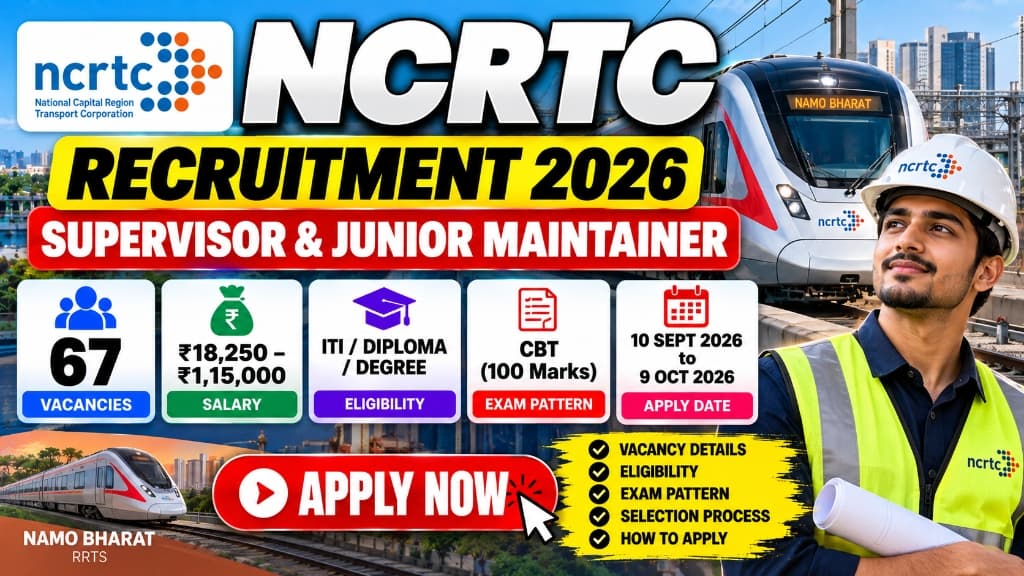
NCRTC Recruitment 2026: 67 Vacancies for Supervisor and Junior Maintainer Posts, Eligibility, Salary, Exam Pattern and How to Apply
The National Capital Region Transport Corporation (NCRTC) has released Vacancy Notice No. 32/2026 for the direct recruitment of Operations & Maintenance staff for the Namo Bharat/RRTS system.

NIT Goa Faculty Recruitment 2026: 28 Posts, Eligibility, Salary, Vacancy, Selection Process and How to Apply
The National Institute of Technology Goa (NIT Goa) has released a notification for the recruitment of faculty members for various departments.
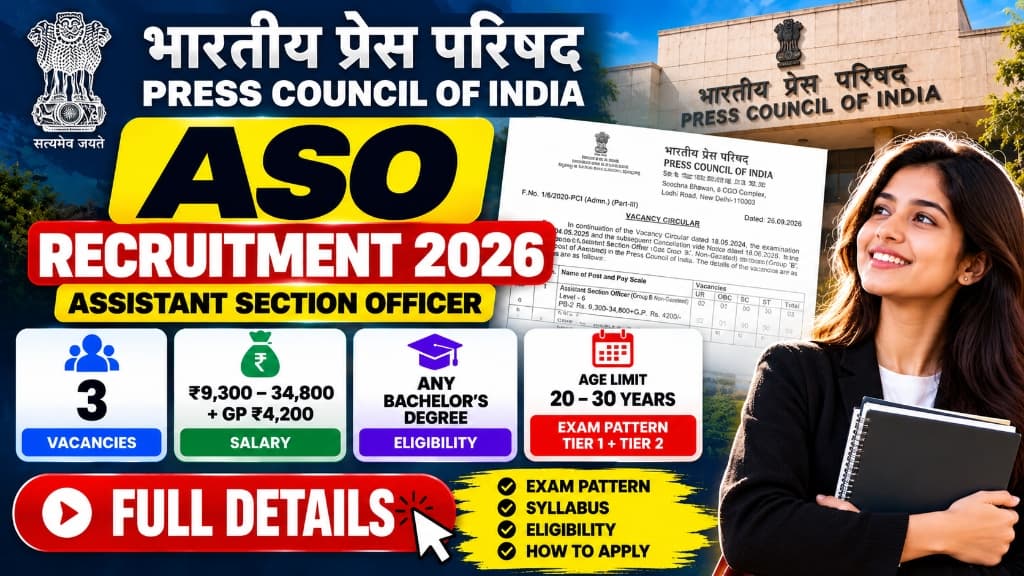
Press Council of India ASO Recruitment 2026: 3 Vacancies, Eligibility, Salary, Exam Pattern, Syllabus and How to Apply
The Press Council of India (PCI) has released a fresh Vacancy Circular 2026 for recruitment to the post of Assistant Section Officer (ASO).

RRB Paramedical Recruitment 2026: 590 Vacancies, Eligibility, Salary, Exam Pattern, Selection Process and How to Apply
The Railway Recruitment Boards (RRBs) have released the RRB Paramedical Recruitment 2026 notification for 590 vacancies. Apply online till 14 October 2026.